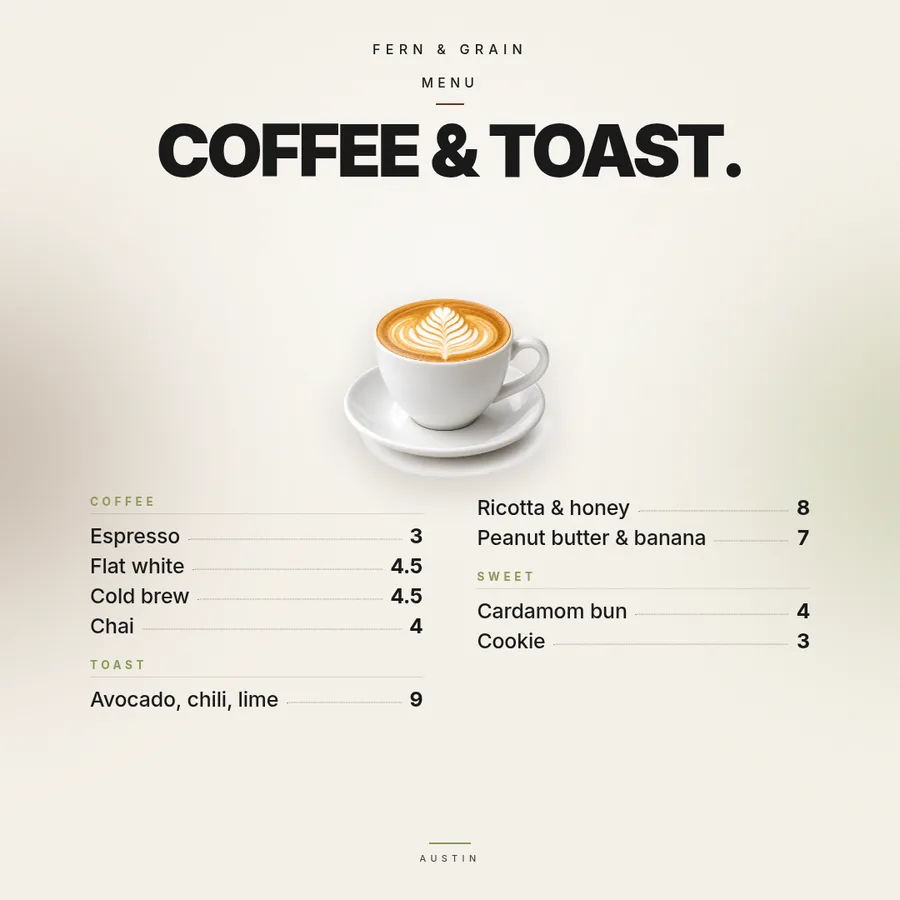
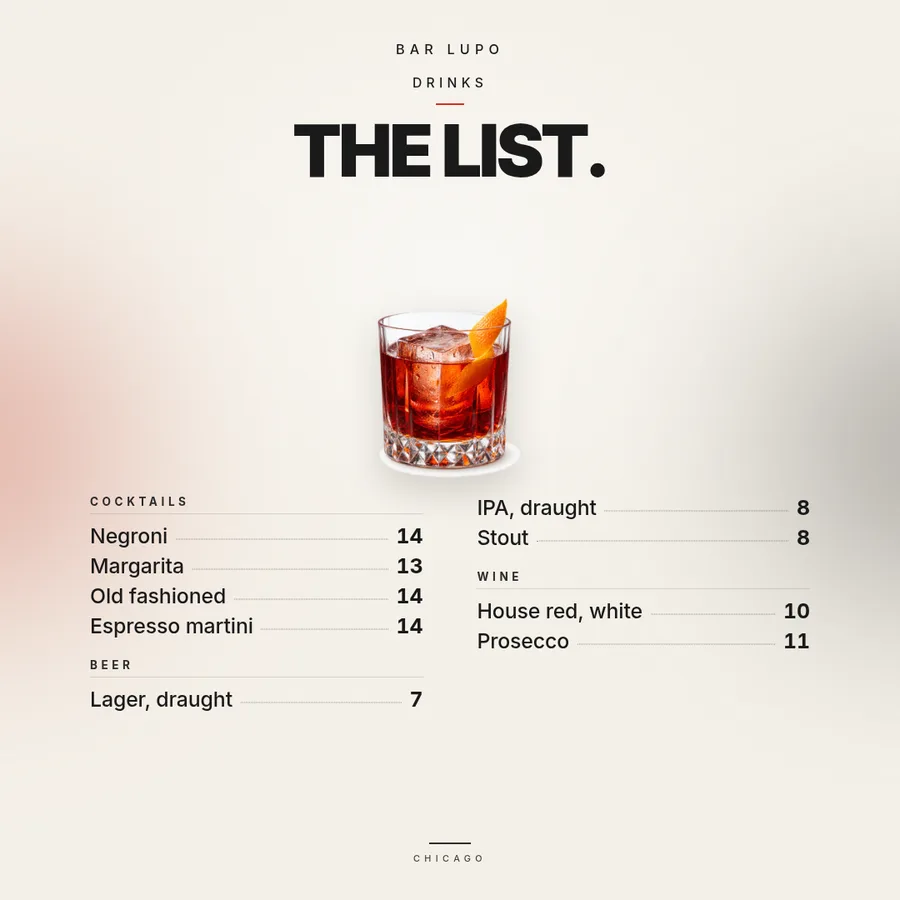
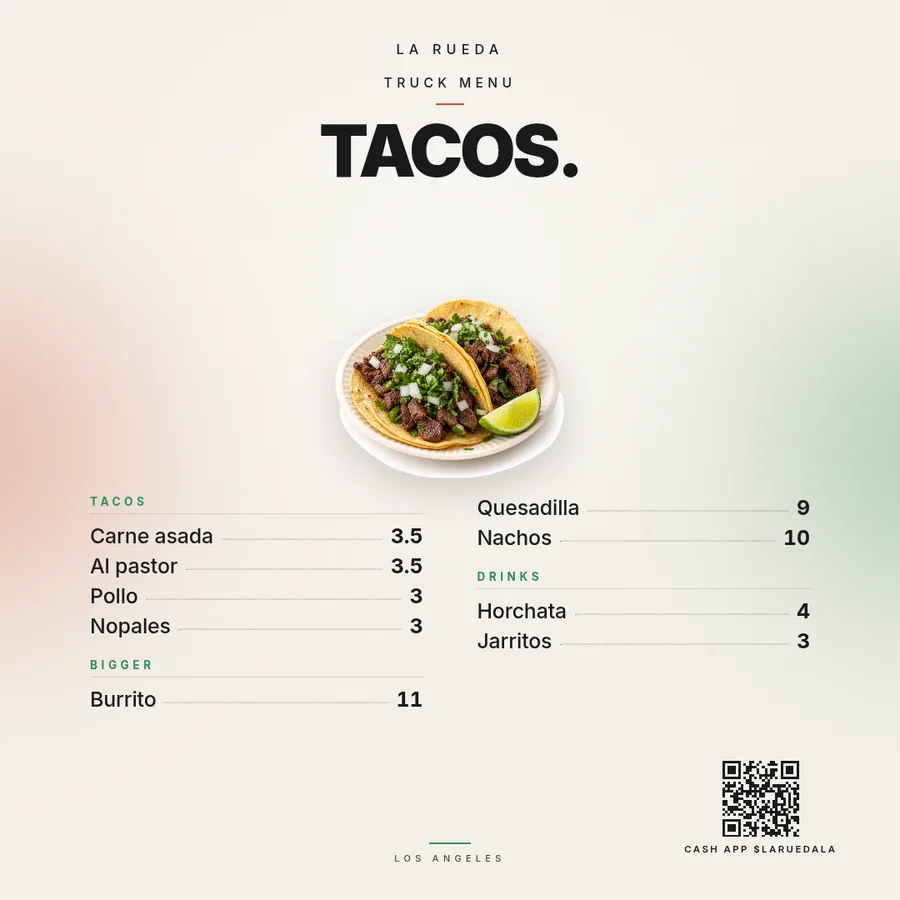
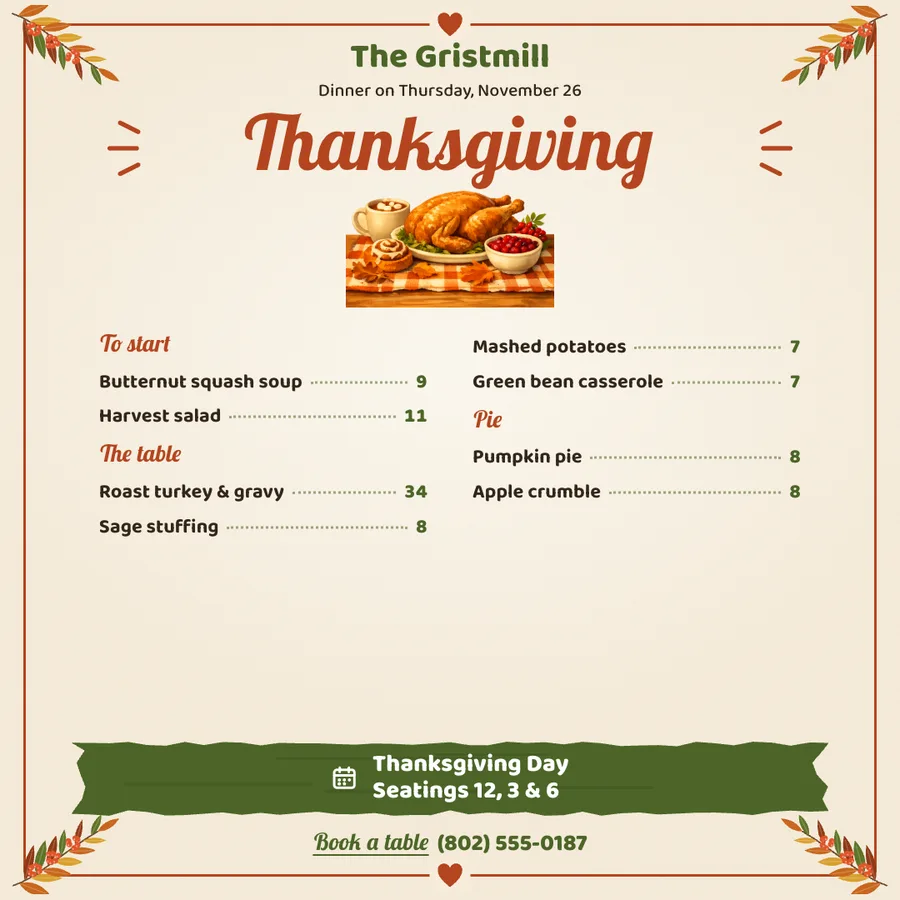
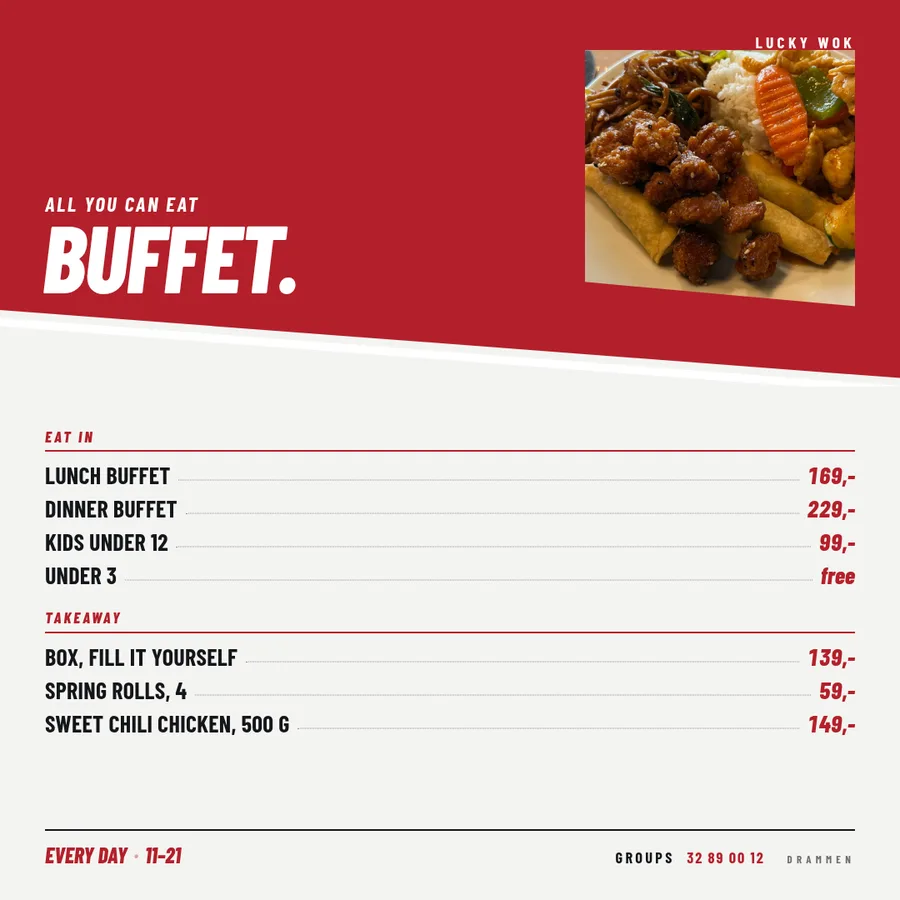
A price list template people can read from the queue.
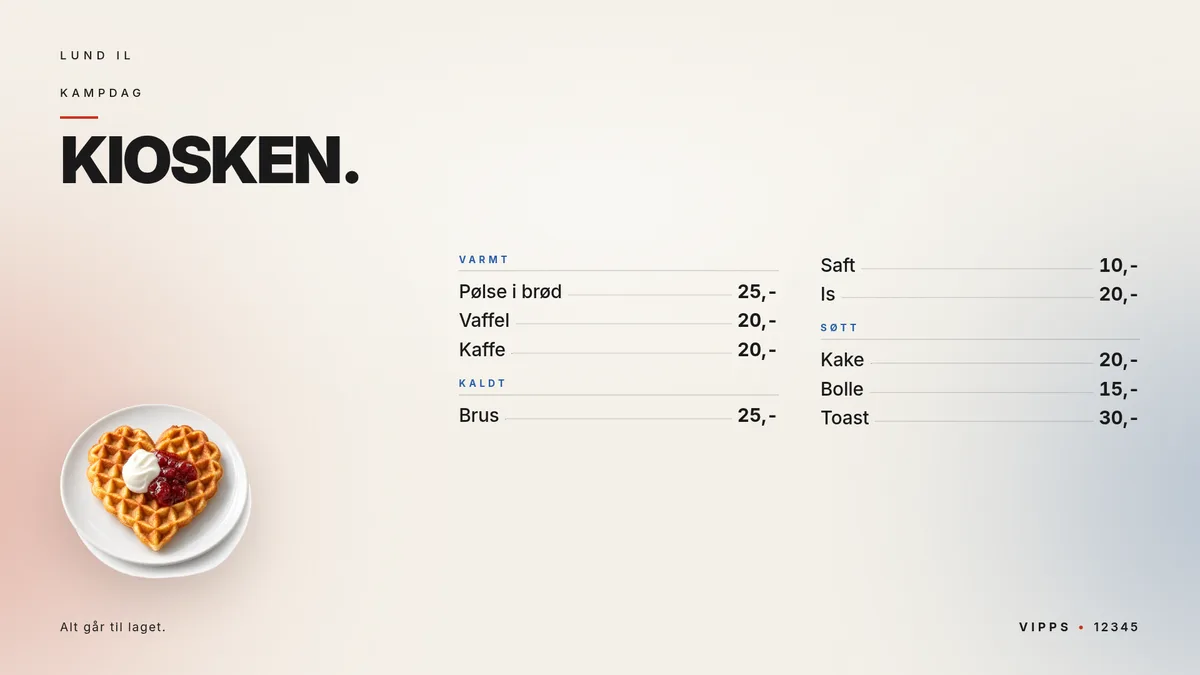
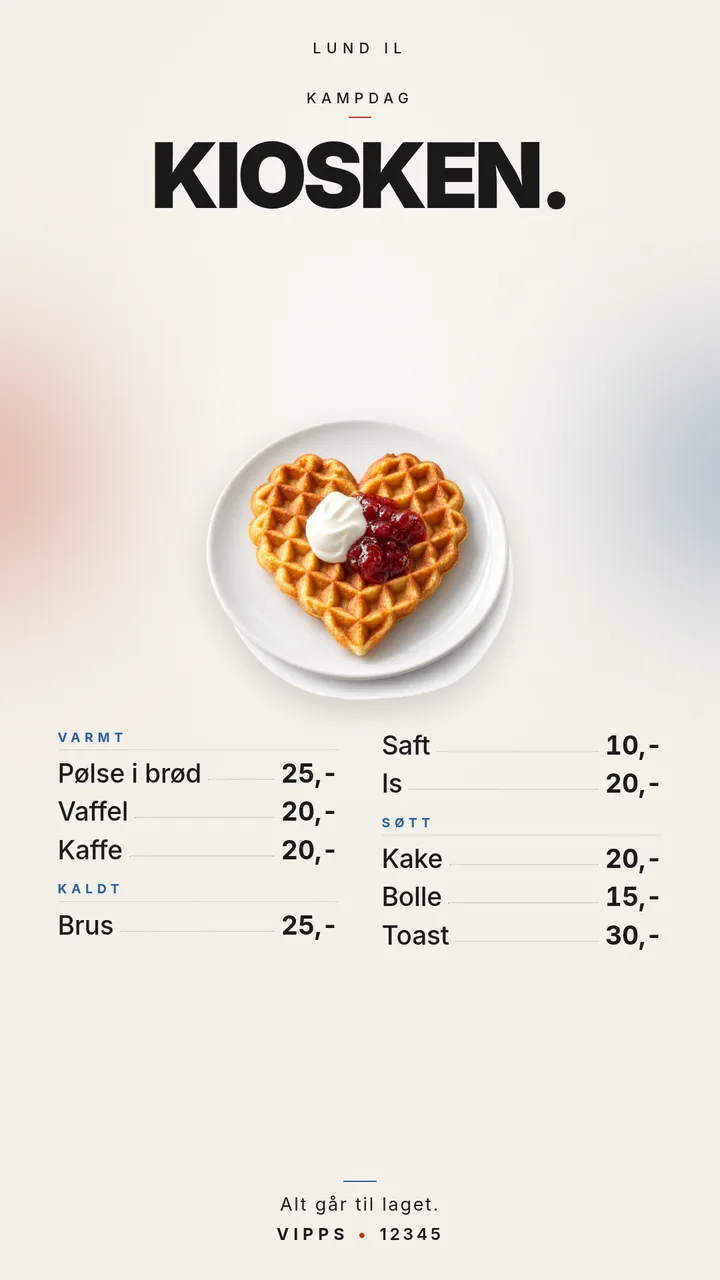
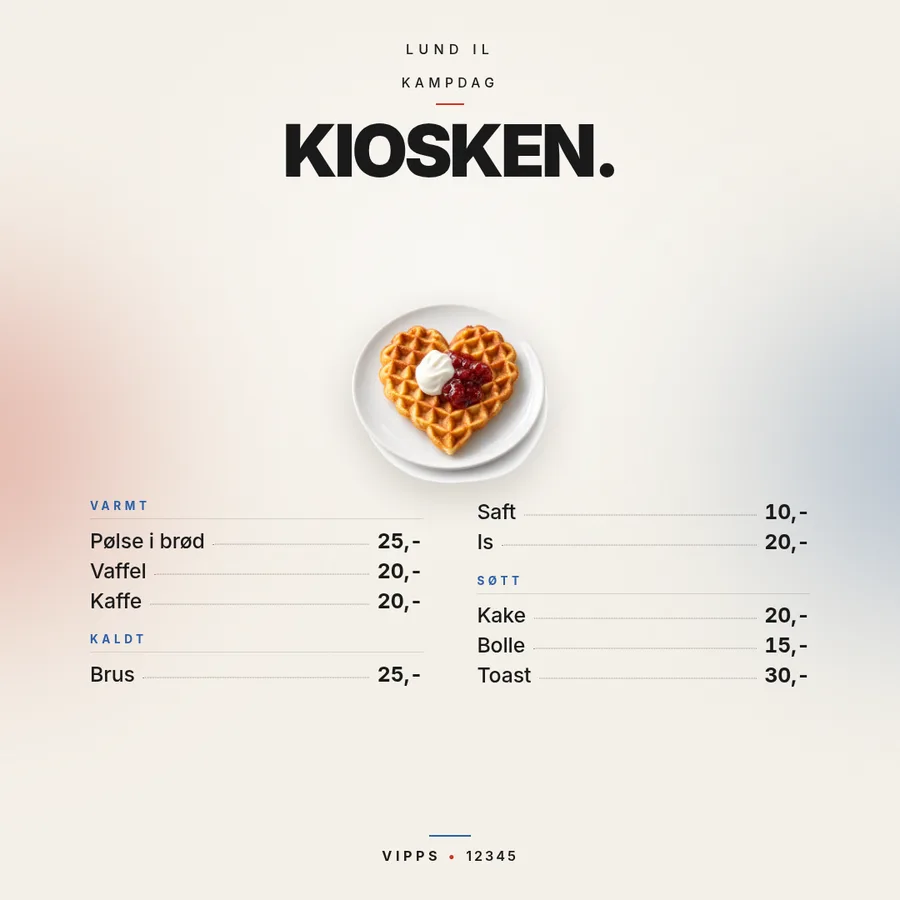
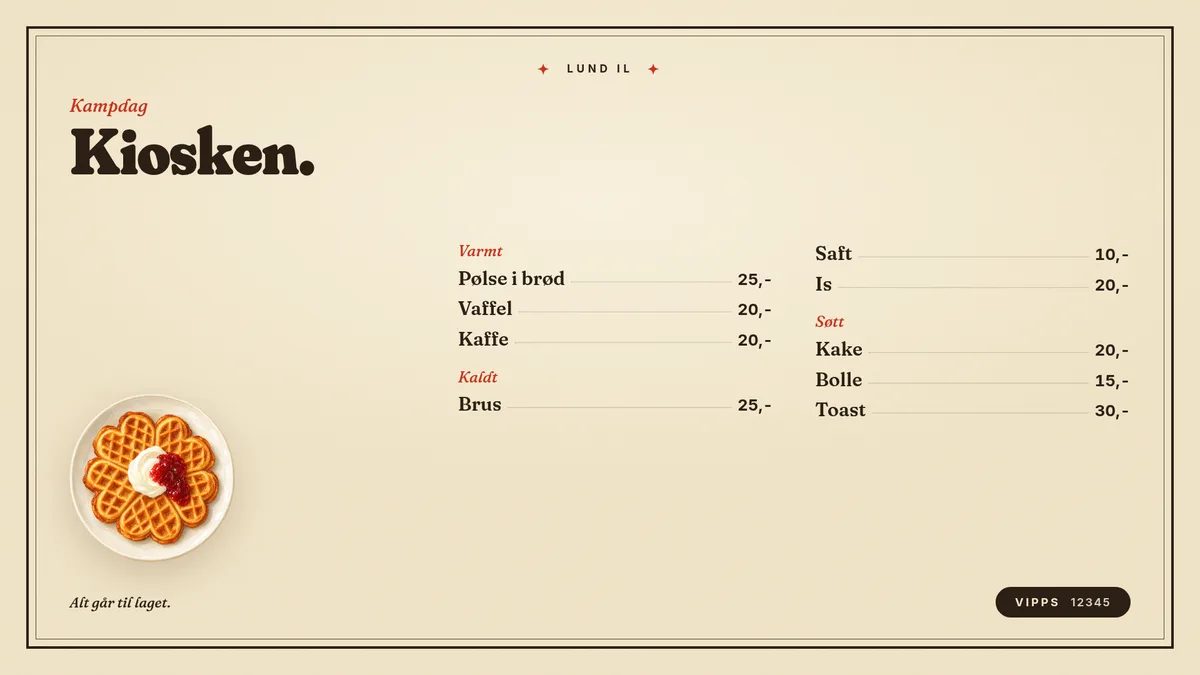
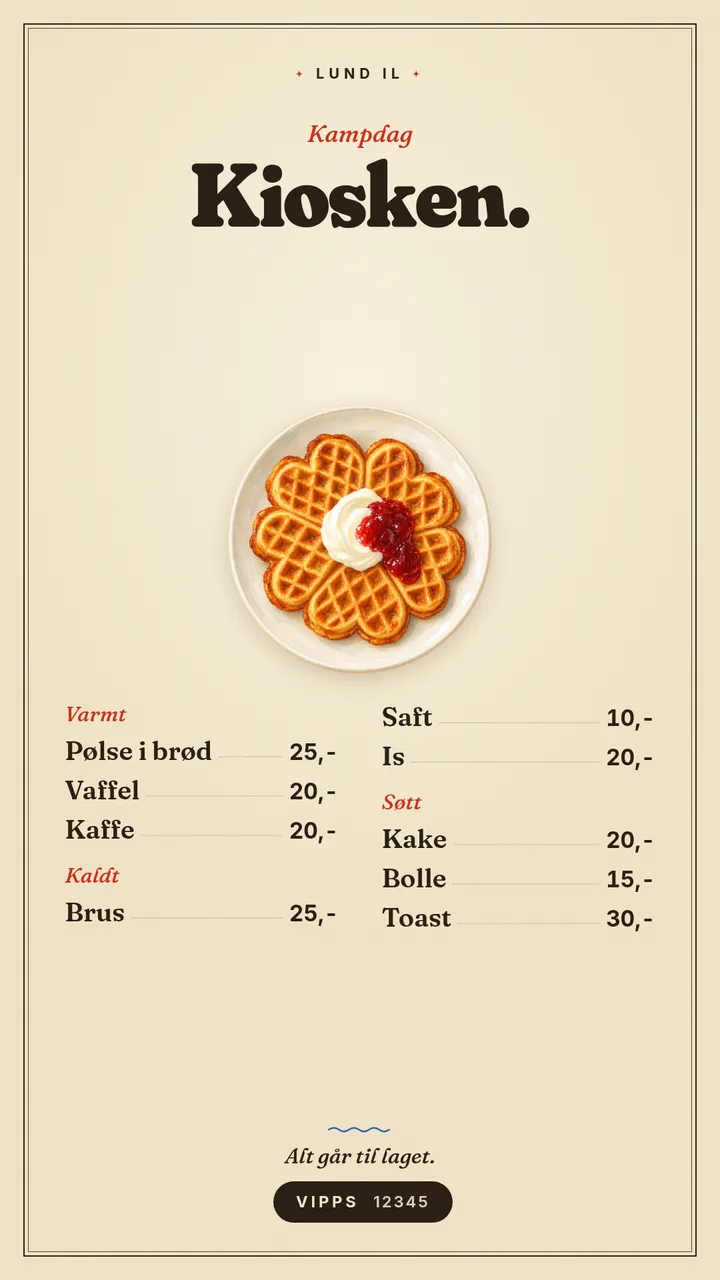
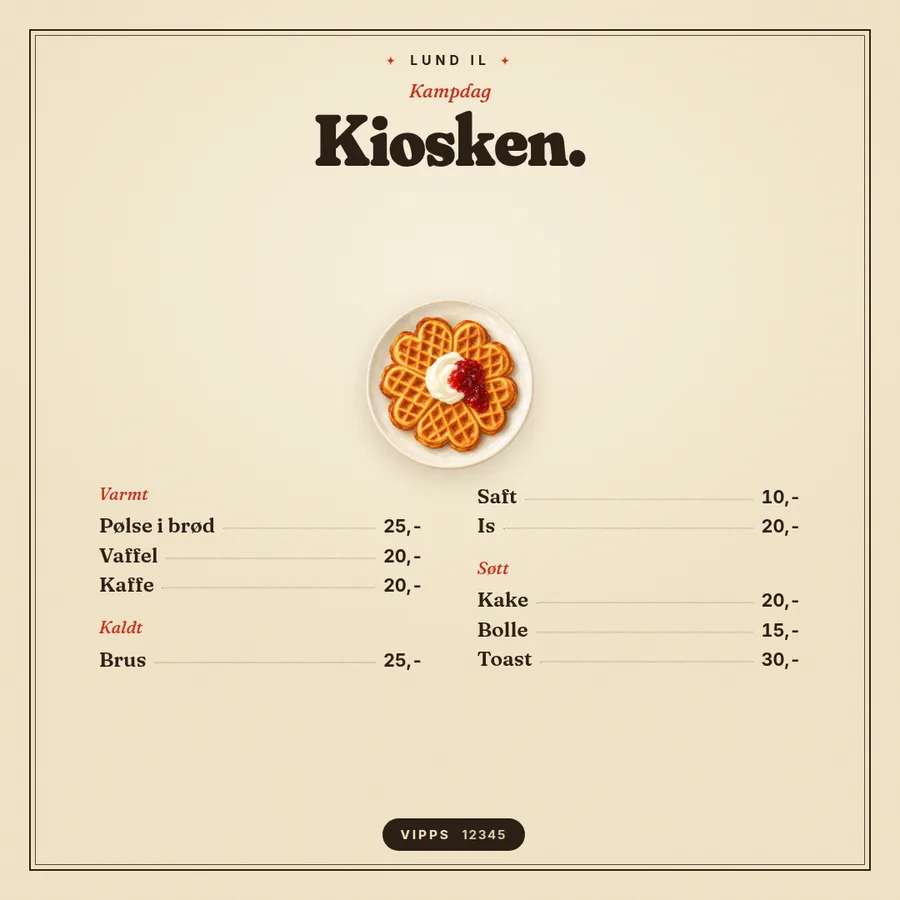
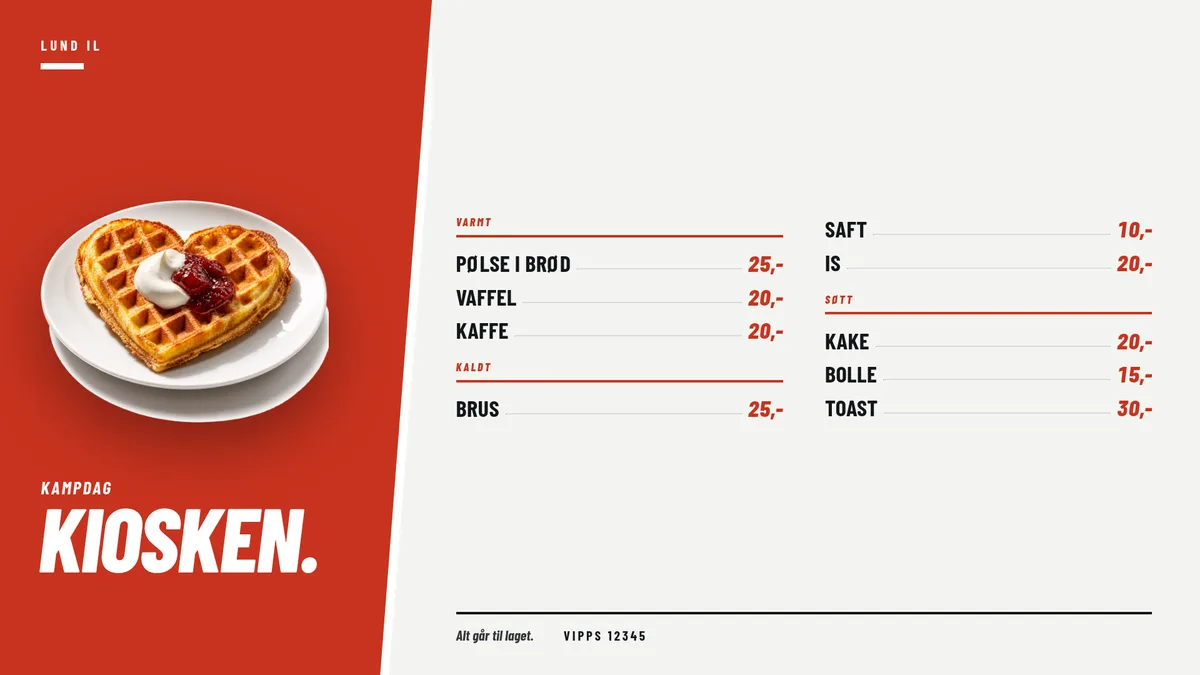
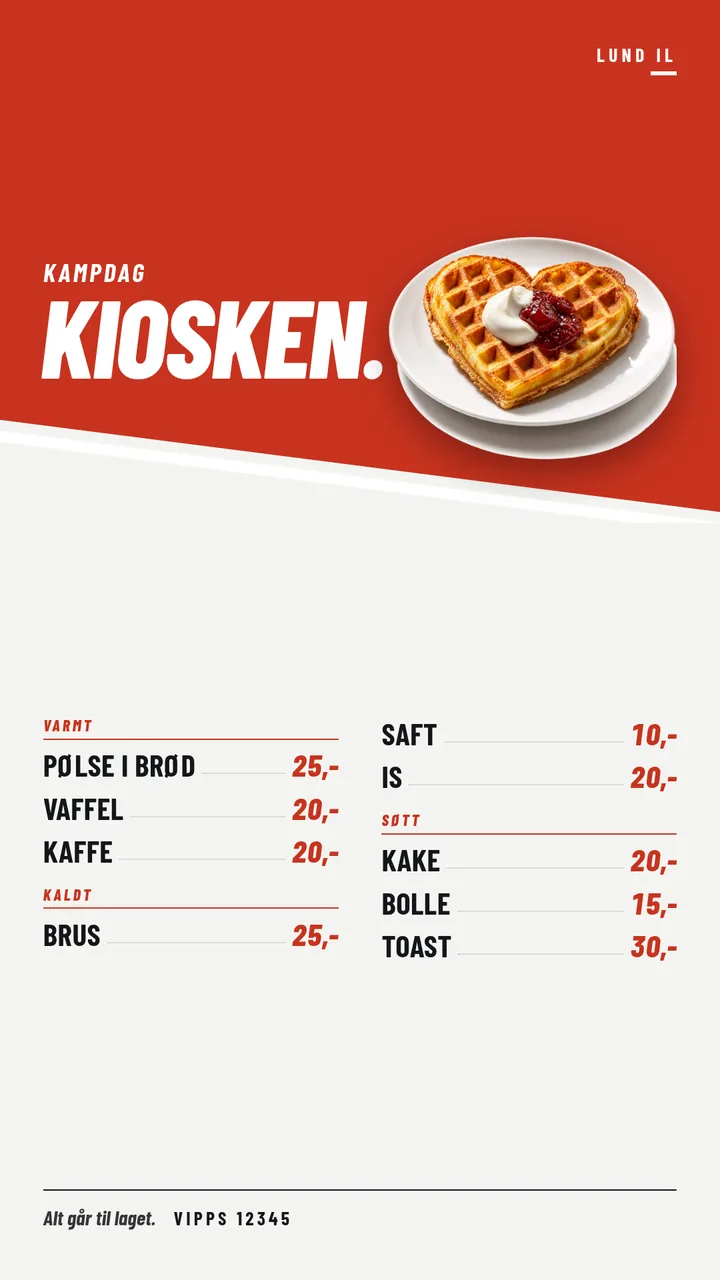
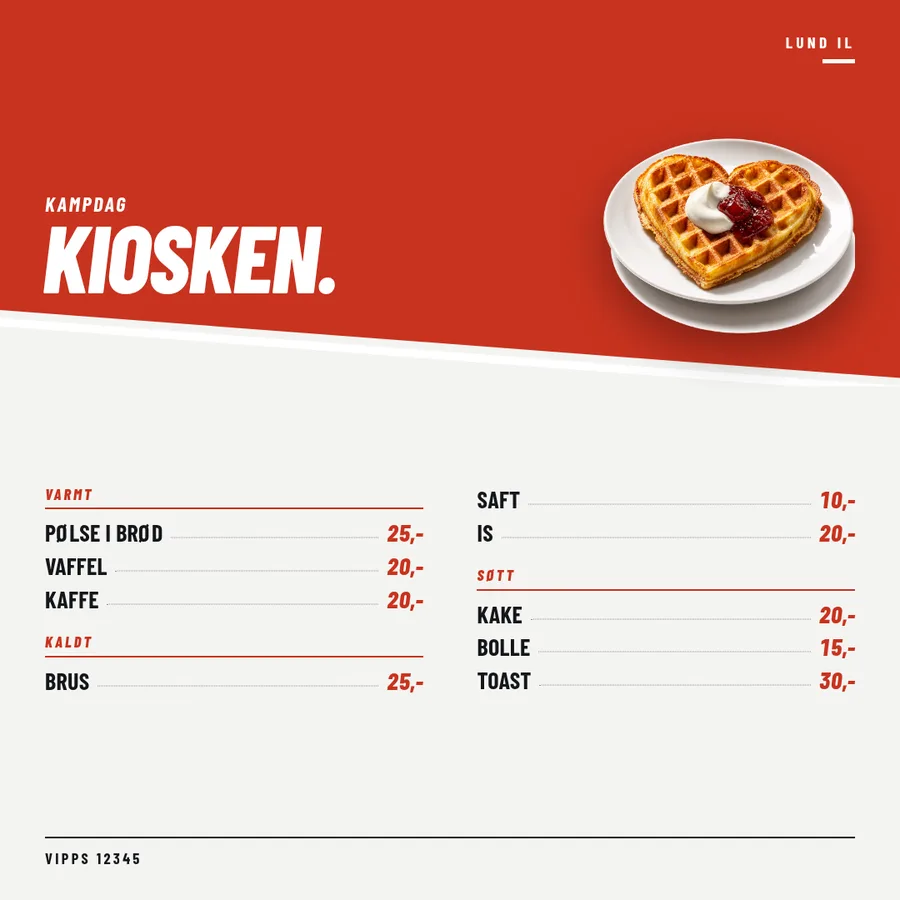
Match day at the club. The kiosk sells nine things and takes Vipps. The list has to be readable at three metres and the payment number has to be right.
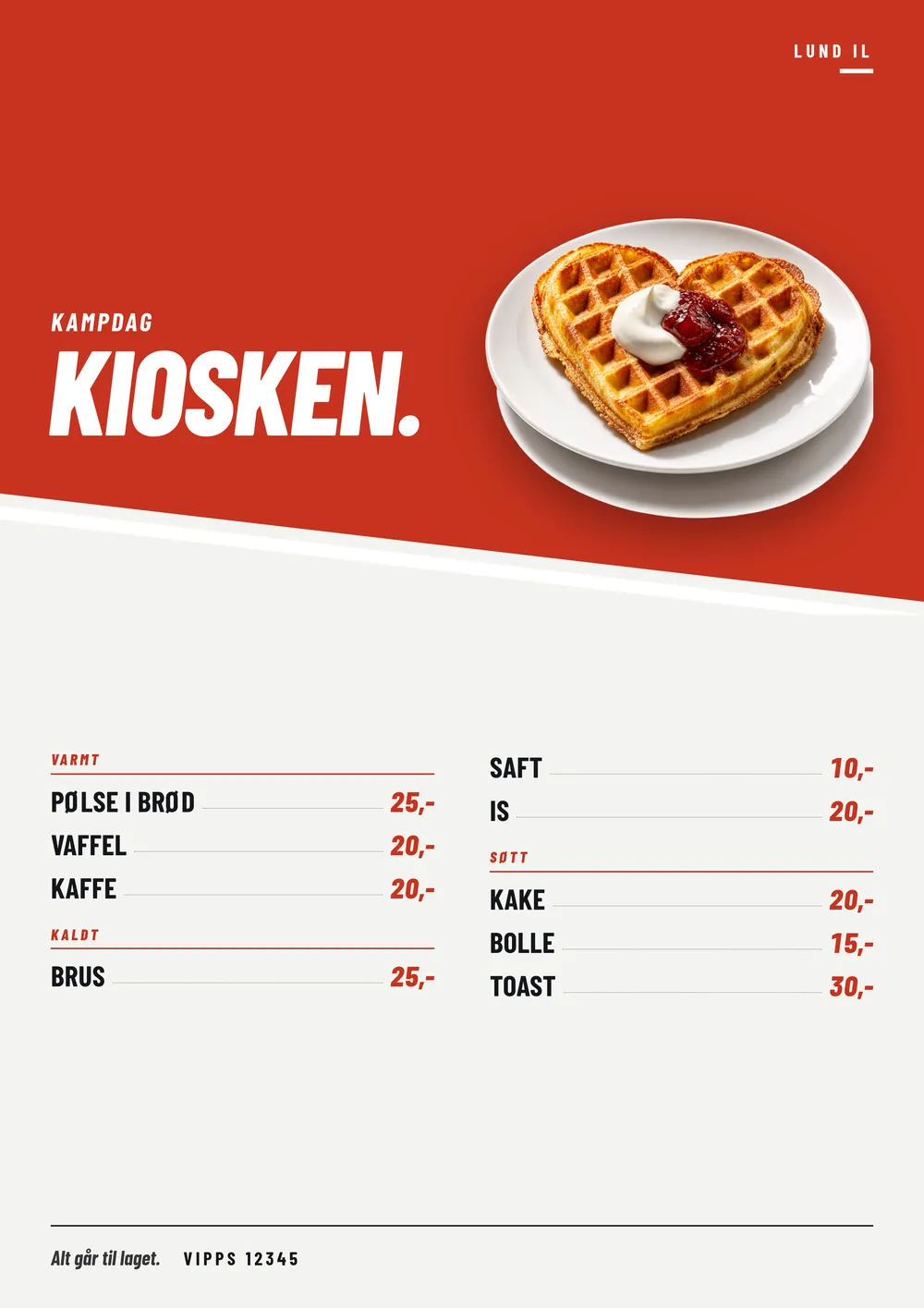
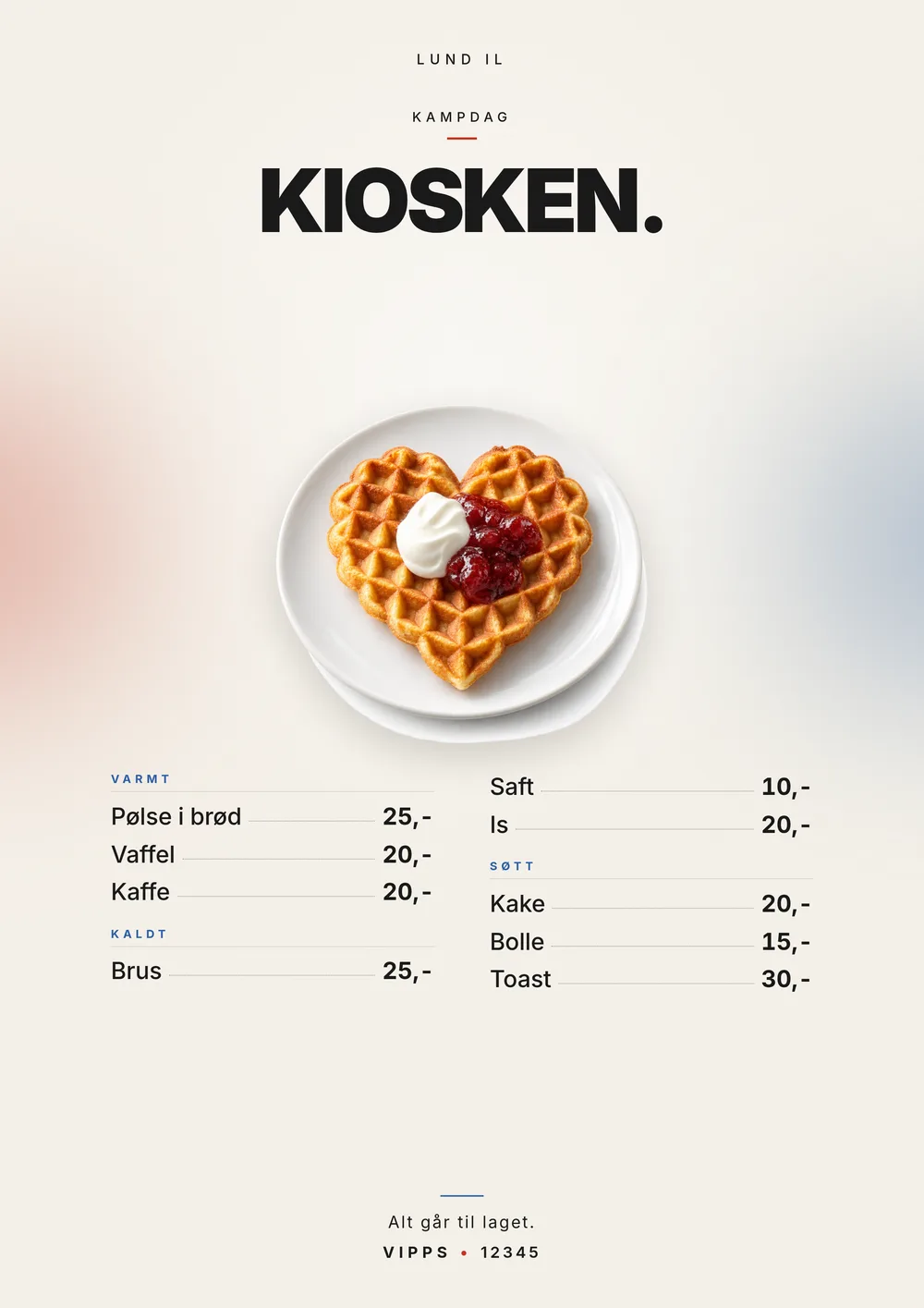
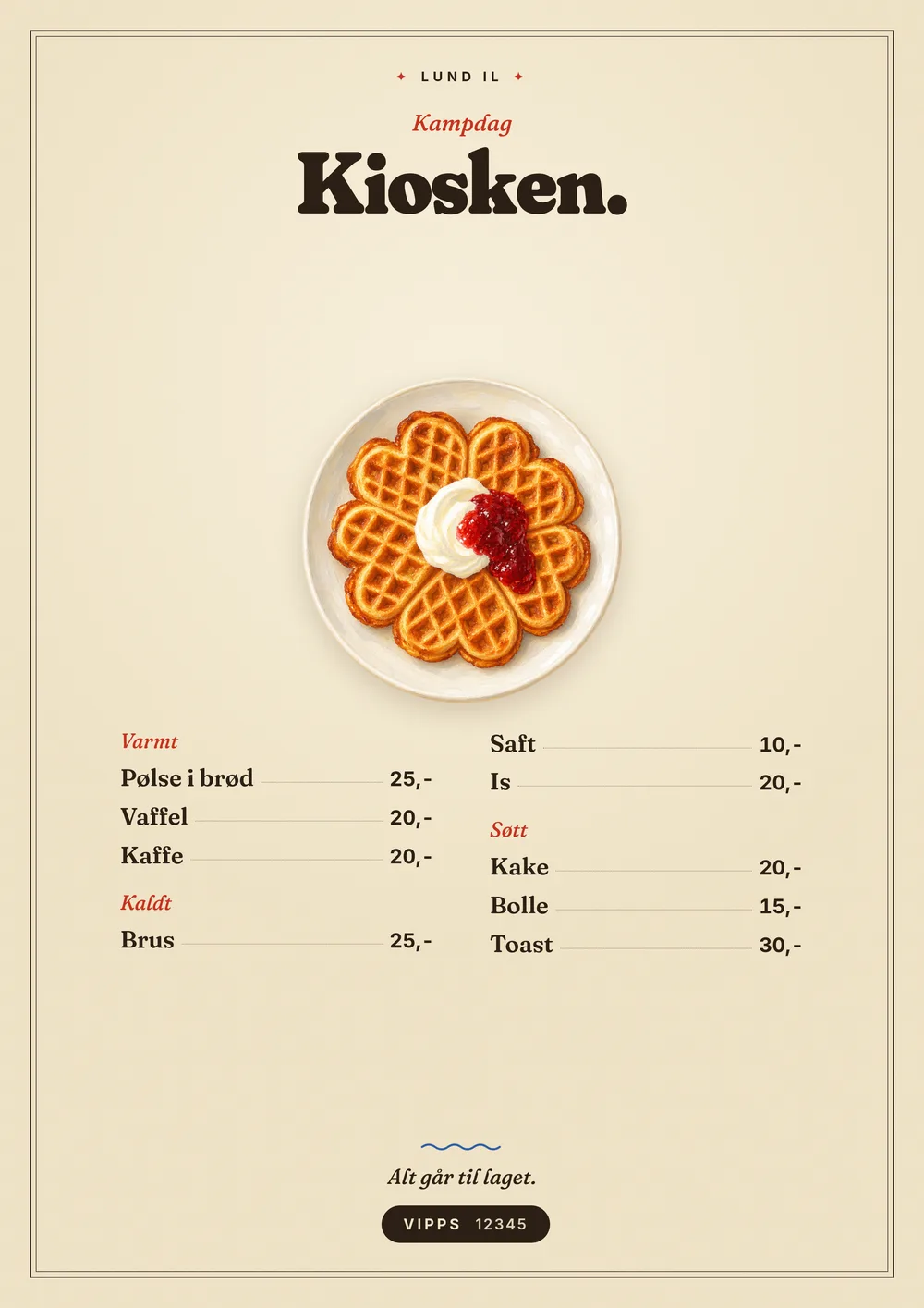
What the owner typed
Why it works
- Twelve items is the limit. Three sections with leader dots keep every price on its own line.
- The Vipps number is printed as text, in the poster's own ink. Upload the official code and it appears instead.
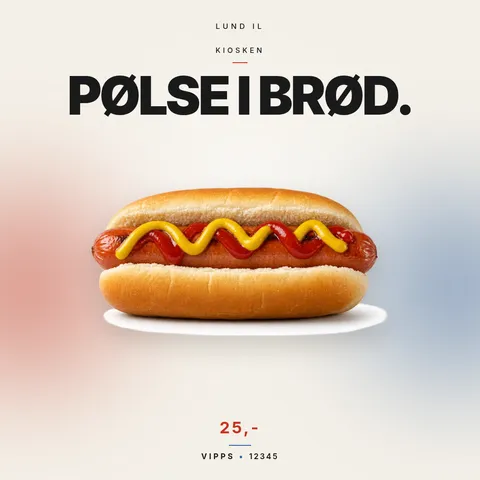
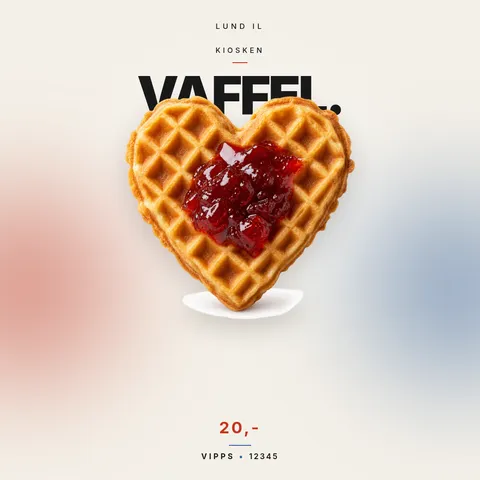
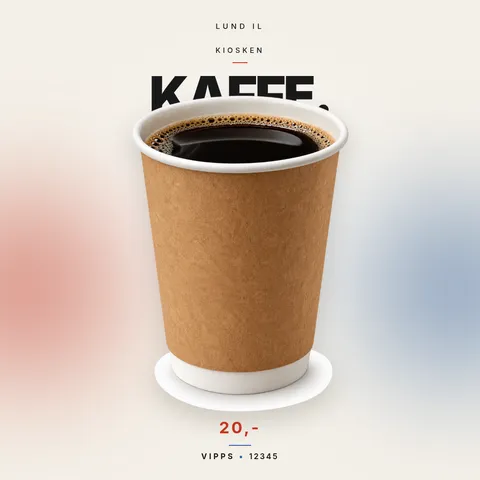
- The screen format (16:9) goes on the TV behind the counter. One card per item is ready for Facebook and Instagram.
Questions
What should a price list poster show?
The items and prices in one column, the opening hours, and how to pay. If you take Vipps, Swish or Cash App, put the number in big type; a QR code only helps when there is a link behind it.
Can I add my Vipps QR code?
Yes. Vipps numbers have no public link, so upload the official QR code from Vipps on the Check-it screen and it is placed on the poster. For Cash App, PayPal and Venmo we draw the QR code from your handle.
How big should it be?
A3 (297 × 420 mm) for a counter or a wall, and the 1080 × 1080 px square for Facebook. A 16:9 version runs on a screen behind the counter.
Is it free?
The preview is free, and your first poster is free without signing in, in every format, with a small "Made with actualtaste.com" in the corner. Sign in and the next one is free too, without it. After that one poster costs 49 kr (about €5 or $5).
Every format · The Editorial
Every format · The Folksy
Every format · The Club
One card per item
More examples